Disable hidden accounts on your Windows computer
- richazu

- Mar 17, 2022
- 1 min read
The windows operating systems, particularly windows 7, 8, 10 and 11 have hidden Administrator accounts.
Since they're hidden, hackers who gain access to your PC can easily enable or activate them without you ever noticing it.
Below is how to check all accounts on your windows computer.
Launch command prompt. You can search "command prompt" from Start button.
Run the command lusrmgr.msc then press enter.
Inspect the names of all accounts:
a. Disable those that you do not need
b. Disable those that you did not create

Figure 1. Search for command prompt tool
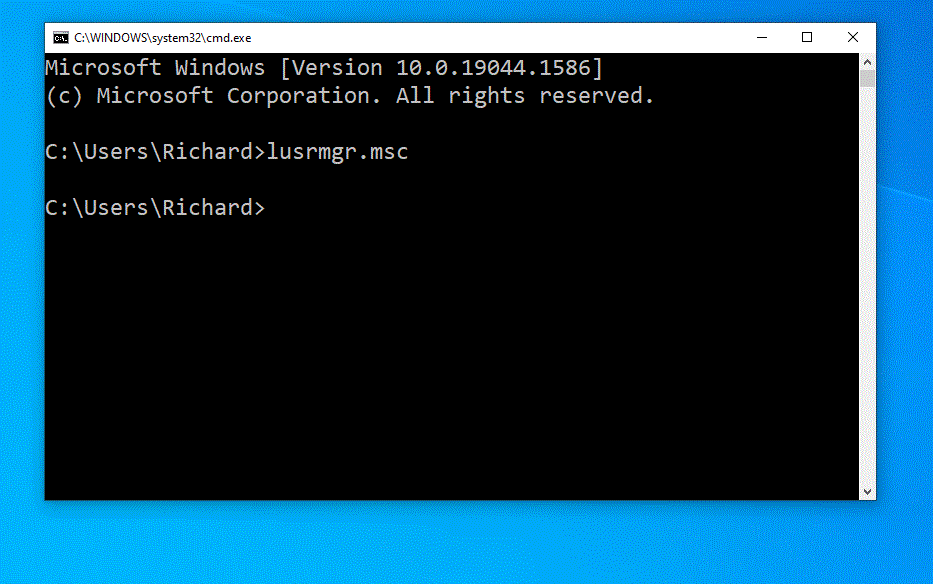
Figure 2. Launch Local Users and Groups Window
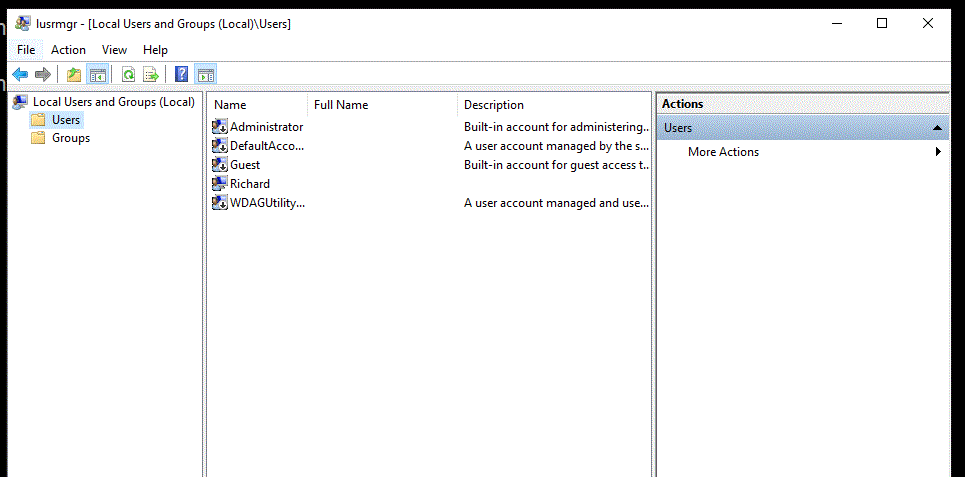
Figure 3. Select Users on the left pane
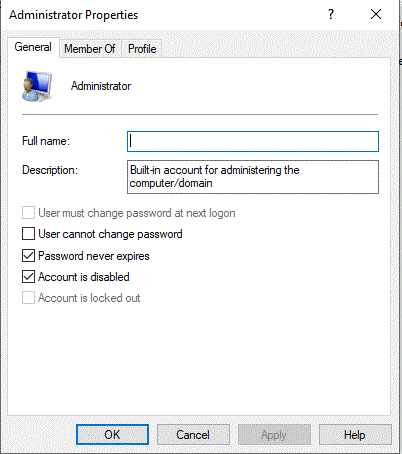
Figure 4. Double-click "Administrator" account in the middle pane and ensure account is disabled by checking the box
Comments